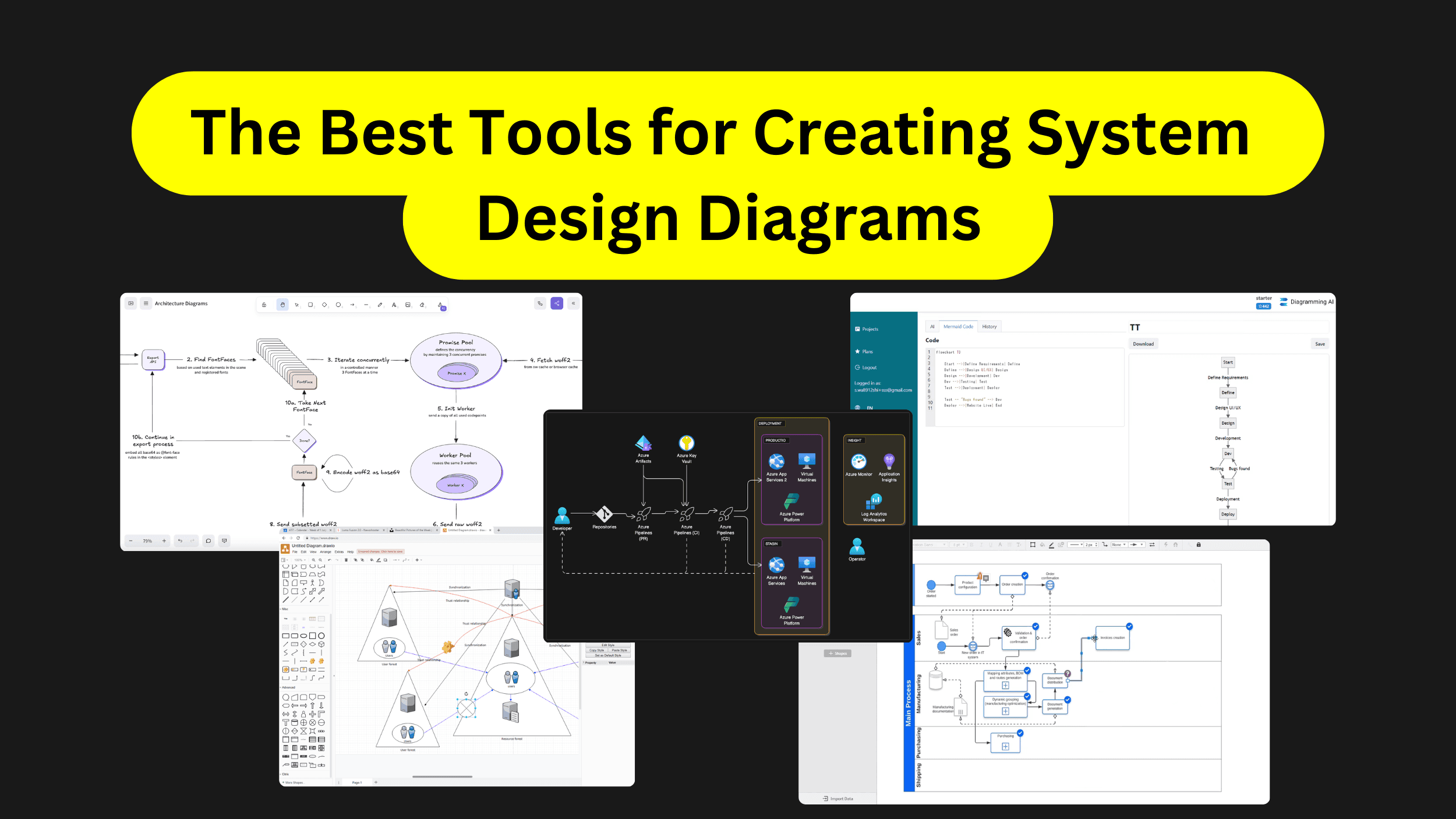
This is my go-to tool for system design work, and it’s what I recommend to everyone I coach.
Excalidraw gives you a hand-drawn aesthetic that feels approachable. It’s free, runs in your browser, and has virtually no learning curve. You can start sketching architecture in seconds.
What makes it perfect for system design practice is the flexibility. You’re not locked into rigid shapes or connectors. You can quickly iterate on designs, which is exactly what you need when you’re working through a problem in an interview setting.
For paid subscribers: I’ve created two resources to accelerate your practice:
My Excalidraw System Design Template – copy it and adjust when you practice, so you’re not starting from scratch every time
My System Design Component Library – essential Excalidraw components for databases, load balancers, caches, queues, and more
The Swiss Army knife of diagramming tools. It’s free, feature-rich, and integrates with Google Drive, Dropbox, GitHub, and Confluence.
The template library is massive, covering flowcharts, network diagrams, process maps, and more. Best for polished, professional diagrams you need to share with stakeholders or embed in documentation.
Describe what you want in plain text, and it generates the diagram. Useful for quick iterations or when you’re exploring ideas and don’t want to manually place boxes yet.
You can tweak the output afterward, adjusting layout and colors to fit your needs.
Smart generation from simple descriptions and an interactive chat interface. You can make modifications using natural language commands and get suggestions as you build.
Integrates with other tools to streamline your workflow.